
We build our own products. Sometimes we build yours.Hyderabad, India HQGlobal delivery24-hour responseWe build our own products. Sometimes we build yours.Hyderabad, India HQGlobal delivery24-hour response
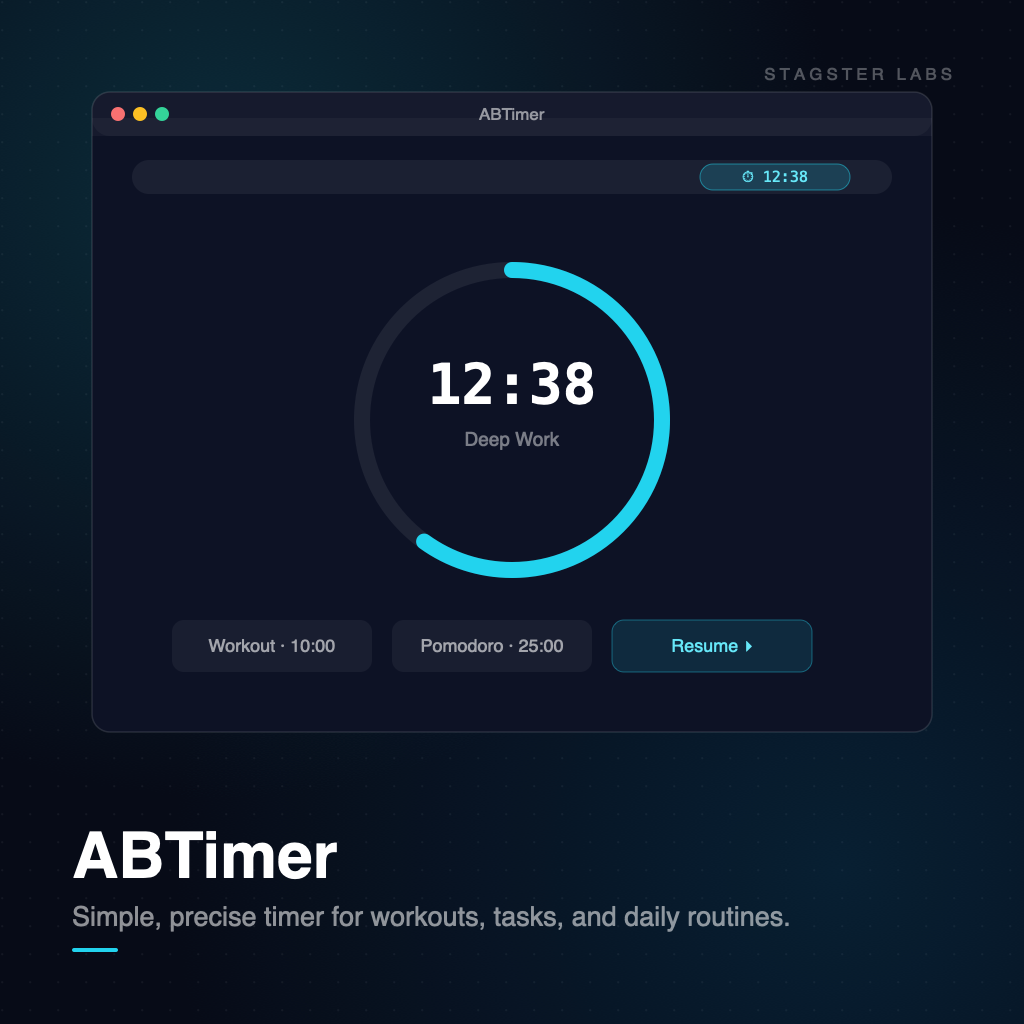
ABTimer for Mac showing a countdown ring, session presets, and a menu bar timer

A timer that lives in your menu bar and starts in one click.

Consumer-Facing Products

ABTimer

Simple, precise timer for workouts, tasks, and daily routines.

1

How it works

1

Pick a preset

Workout, Pomodoro, deep work, or your own duration. Presets are one click, not a form.

2

It lives in the menu bar

The countdown stays visible at the top of your screen. No window switching, no dock bouncing.

3

Get a real interruption

A notification and an optional sound when time is up - visible even when the app is in the background.

4

Repeat without setup

Restart the last timer instantly. Your recent sessions are one click away.

2

Deep dive

Why we built it

Every timer app we tried wanted a project structure, a subscription, and a dashboard before it would start counting down. ABTimer does one thing: put a precise, glanceable timer in your menu bar. We use it for standups, workout intervals, and focus blocks every day.

How it is built

Native macOS menu bar app - no Electron, no background daemons. It sleeps while counting and wakes on completion, so it adds nothing to your battery. State is local; there is no account and nothing leaves your machine.

3

What ABTimer gets you

  • A countdown running within two seconds of opening the app
  • Presets for the timers you actually repeat
  • Menu bar visibility without stealing focus or screen space
  • Zero accounts, zero tracking, zero battery drain
  • Free to use - feedback goes straight to the founders
4

Investment

Free for Mac

ABTimer is a focused utility from STAGSTER Labs. Email [email protected] for support, feature requests, or team licensing questions.

Start a conversation